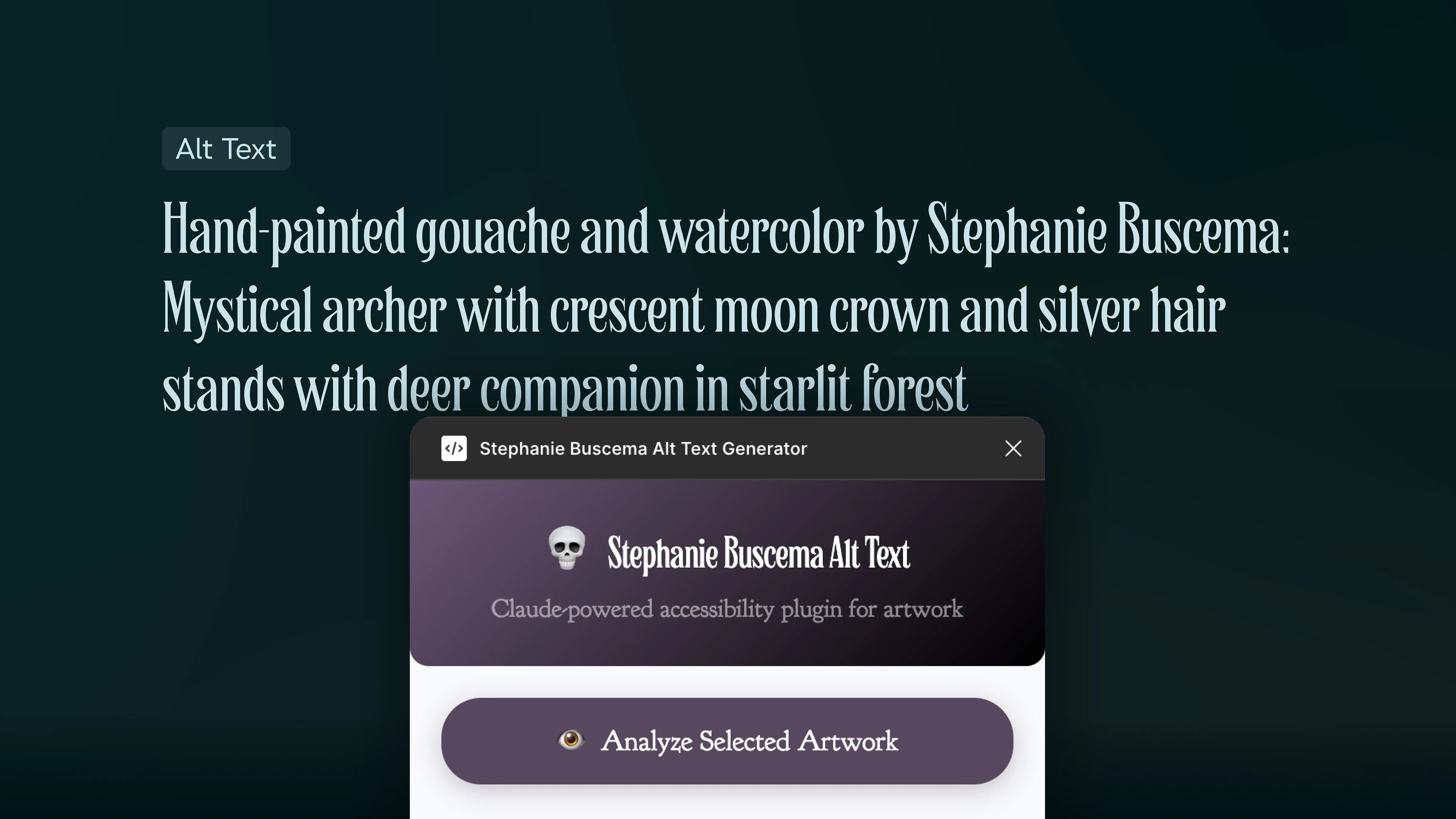
BB's First Figma plugin
Jun 25, 2025
5 min read
I’ll admit I’ve been a bit slow on the uptake of AI — not for most of the obvious reasons — though I think there are very valid reasons to question most of the use cases presented. I’ve held firm since the IBM Watson days — it’s incredible for explicit and nuanced use cases. I dunno about you, but planning birthdays and having superficial interactions with my friends and loved ones are not the use cases I care for.
That being said, I’ve played with the “big three” tools a bit: OpenAI, Perplexity, and Anthropic to see which fits the best for me. OpenAI is a goliath, and I’m sure it would have felt more natural in my workflows with more effort, but time is money, and I have neither to waste. I liked Perplexity and it’s great for research, but I found myself needing it less, and it felt more like an intelligent search that was not necessary. Ultimately, Claude is the agent who fits most with my needs.
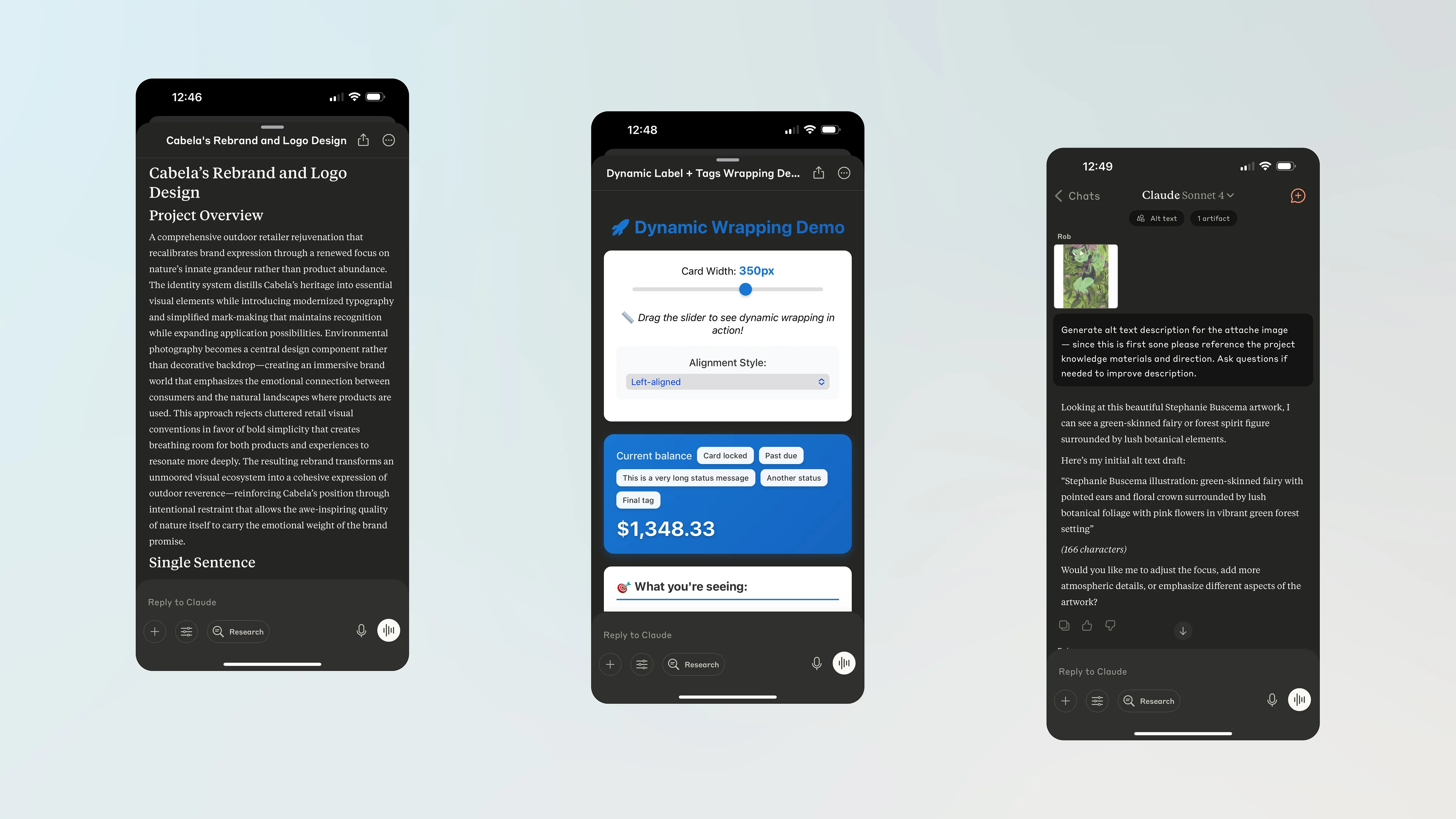
I’ve been using Claude quite a bit. I’ve been training it to write in my tone and style to help with redoing my website, spinning up quick & dirty coded front-end prototypes to demonstrate responsive behavior and functionality, and recently, I’ve been using it for alt-text generation for my partner Stephanie’s website.
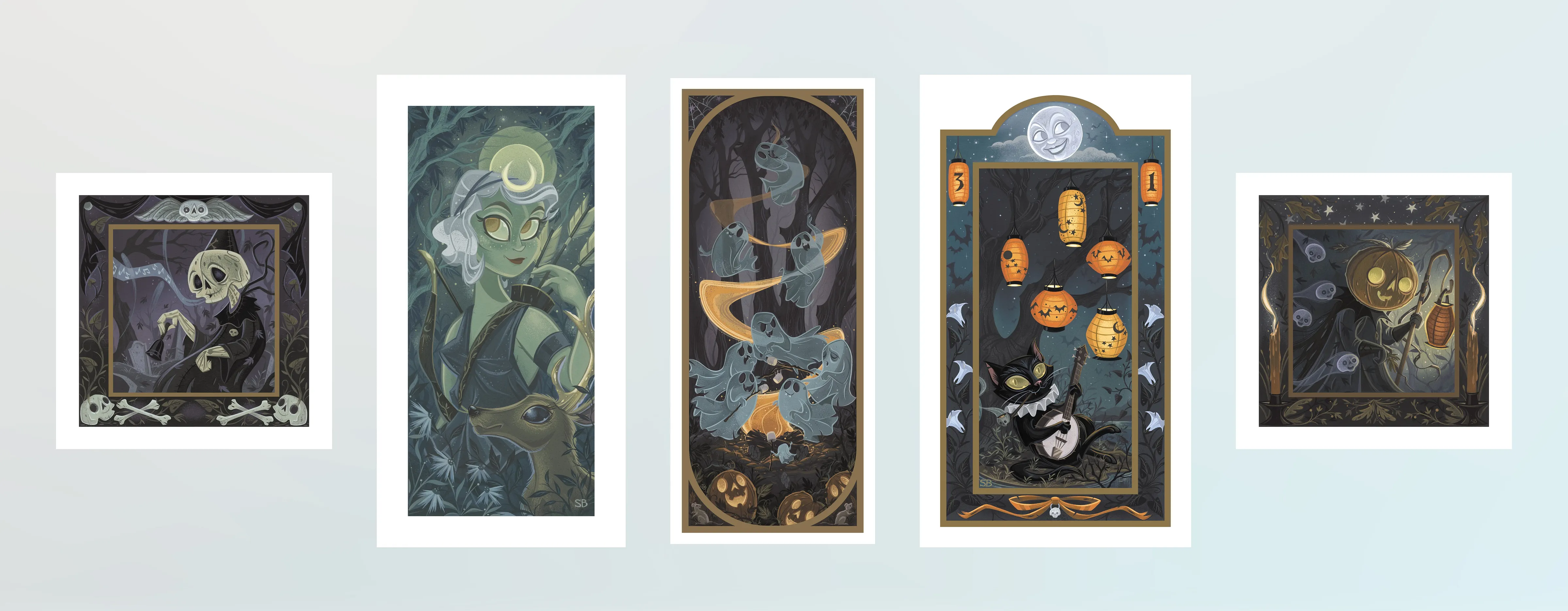
Stephanie Buscema art collage: skeleton with bell in graveyard, Artemis with deer crown, ghosts roasting marshmallows, Halloween cat with banjo under full moon, pumpkin shepherd with spirits
Artwork ©Stephanie Buscema 2025. All rights reserved. Used with permission.
Steph is an incredible artist, painter, craftsperson, and all-around creative wunderkind. You can check out her lovely work on her website. She’s a one-woman machine; she does all her social media, shoots all her photos for products, and creates everything by hand. Even her products start as sketches, and I help vectorize the art/sketches. I also pitch in with packaging and visual design, and primarily tackle the more fiddly bits on her site — dealing with navigation, managing domains, setting up shipping profiles, compressing images, adjusting complex layouts, etc.
Always and forever, my home’s and family’s “tech guy.”
—
At the beginning of the year, I started diligently adding alt-text as I added new work. I’m shocked how hard it still is to do this—Squarespace does not have a solution that works well consistently, and the current tools in Figma are MVP-level descriptions. These are very manual and required me to change my workflow to varying degrees. I’d do my best, but it never felt “right.”
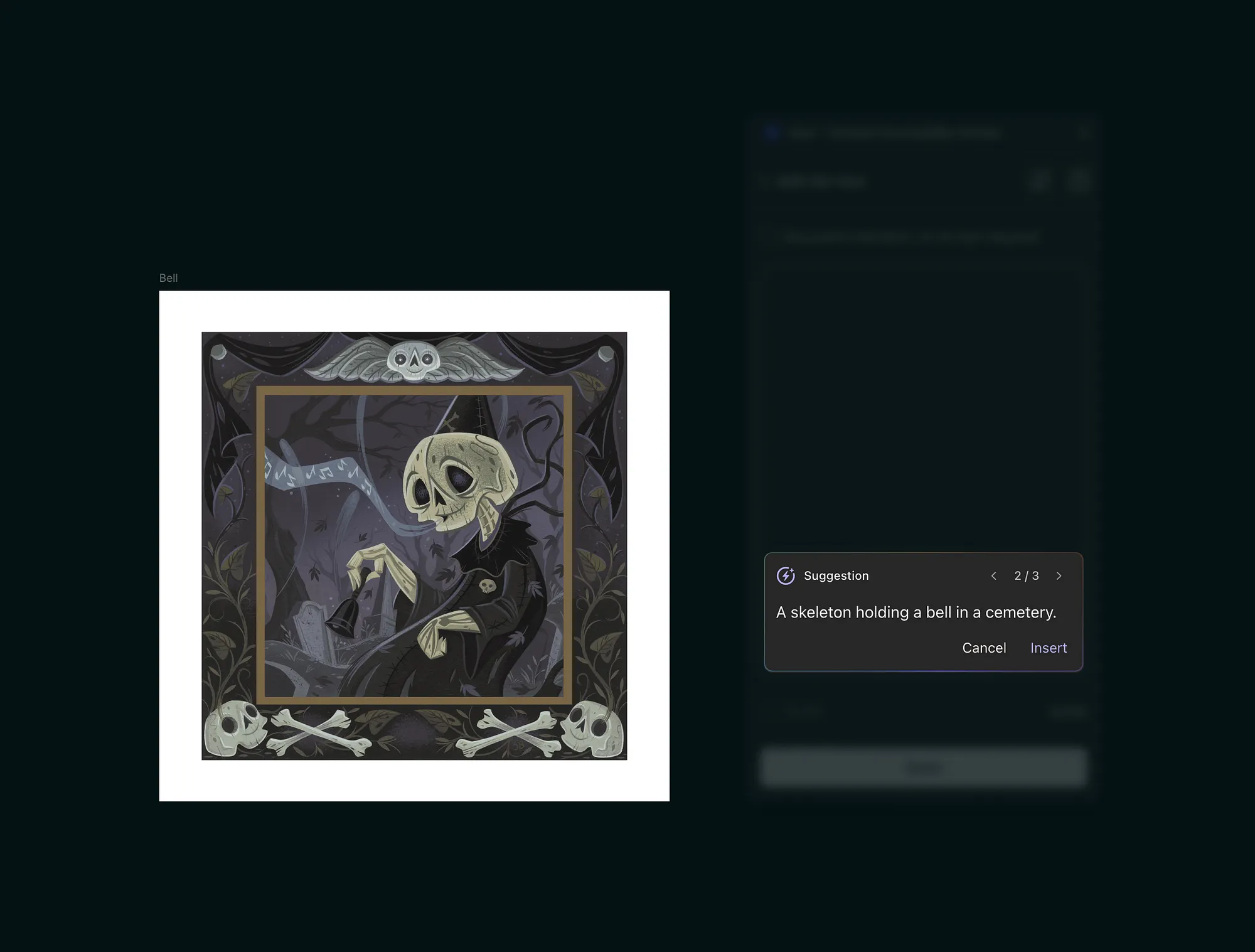
Even when I used plugins, it was manual rewriting, which required more effort than if I had just done it myself. That’s not meant as a critique of those products—any alt text is better than no alt text—but they did not meet my very, VERY specific needs.
Once I signed up for Claude, I gave it a shot, and the first responses were the right balance of tone, description, and mood.

The vibes had to be right — Steph’s art is atmospheric and creates intricate worlds into which the viewer is invited. I wanted that feeling evoked in the alt-text and experimenting with Claude I was able to get what I wanted — it took some trial and error but creating very clear rules and building up Claude’s knowledge about Steph — her style, her medium, her artist statement, bio — the response became very reflective of the atmosphere and esoteric ambiance found within Steph’s work.
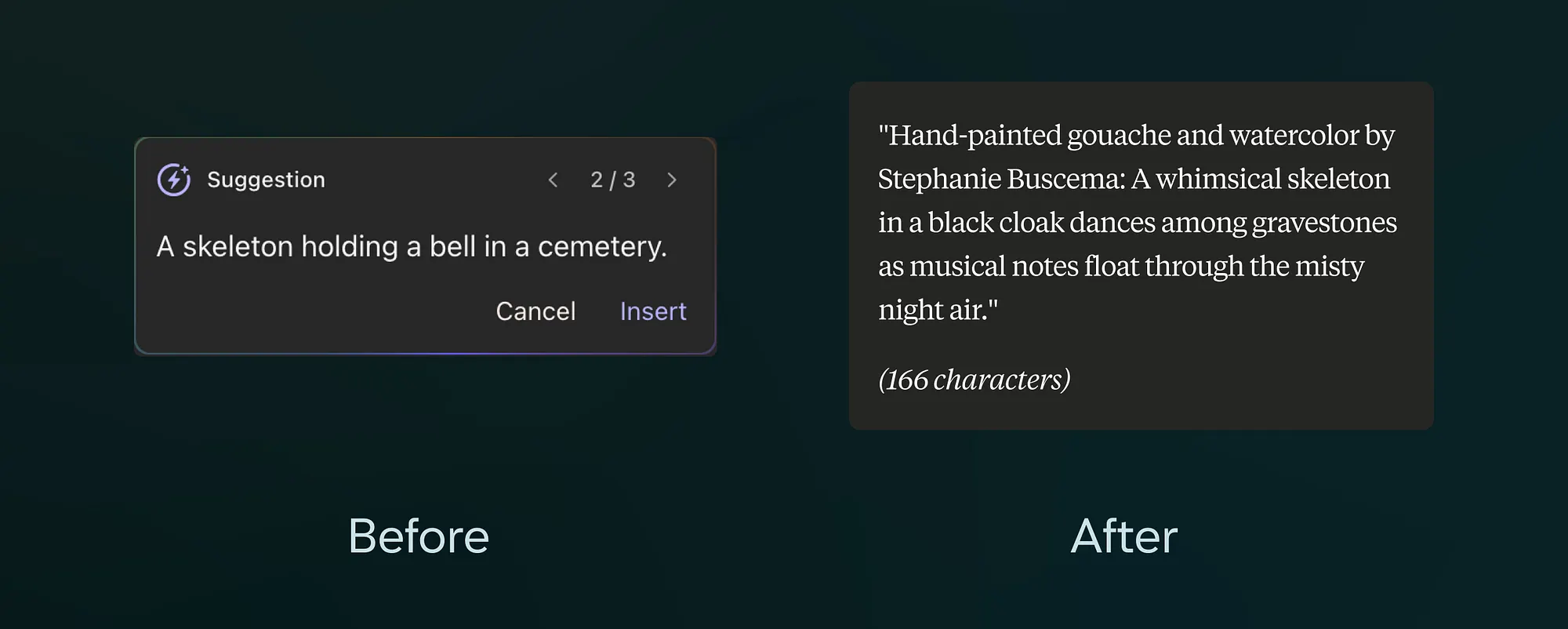
Before and after comparisons for the skeleton art above
The process was still manual, but with much more meaningful results.
Then I realized what an idiot I was being — the idea was right before me. Why can’t I do this in Figma with my own plugin?!
Aside from the obviously glaring issues of being a shit developer and a little rusty with developing plugins — aka a total and utter novice — I decided it would be a fun exercise. A funny story: I was given git access at IBM by a developer, and I immediately destroyed my local branch. They asked me to send the assets via email instead 😭
But I already knew what Claude could do for quick and dirty front-end demos, so I figured out how hard it could be.

TLDR — shockingly easy
More nuanced answer — shockingly easy if you are not a total novice & amateur. This whole thing took about 6 hours. It should have taken about 1–2 if I weren’t such a ham-fisted terminal git user. There were some false starts, and I realize in hindsight I should have been WAY more prescriptive in directions/rules/expectations with API documentation and success criteria, but we got there ultimately.
The Good Stuff
Quite chuffed with this whole thing — it works super well and perfectly meets my very specific needs. You’re never the user until suddenly you are!?
That is one of the most exciting outcomes — I can create micro plugins for really specific tasks in my workflow that would have maybe been way too low of an ROI for a plugin developer to tackle. I mean — very obvious — but still super tantalizing for a lean and mean team of one.
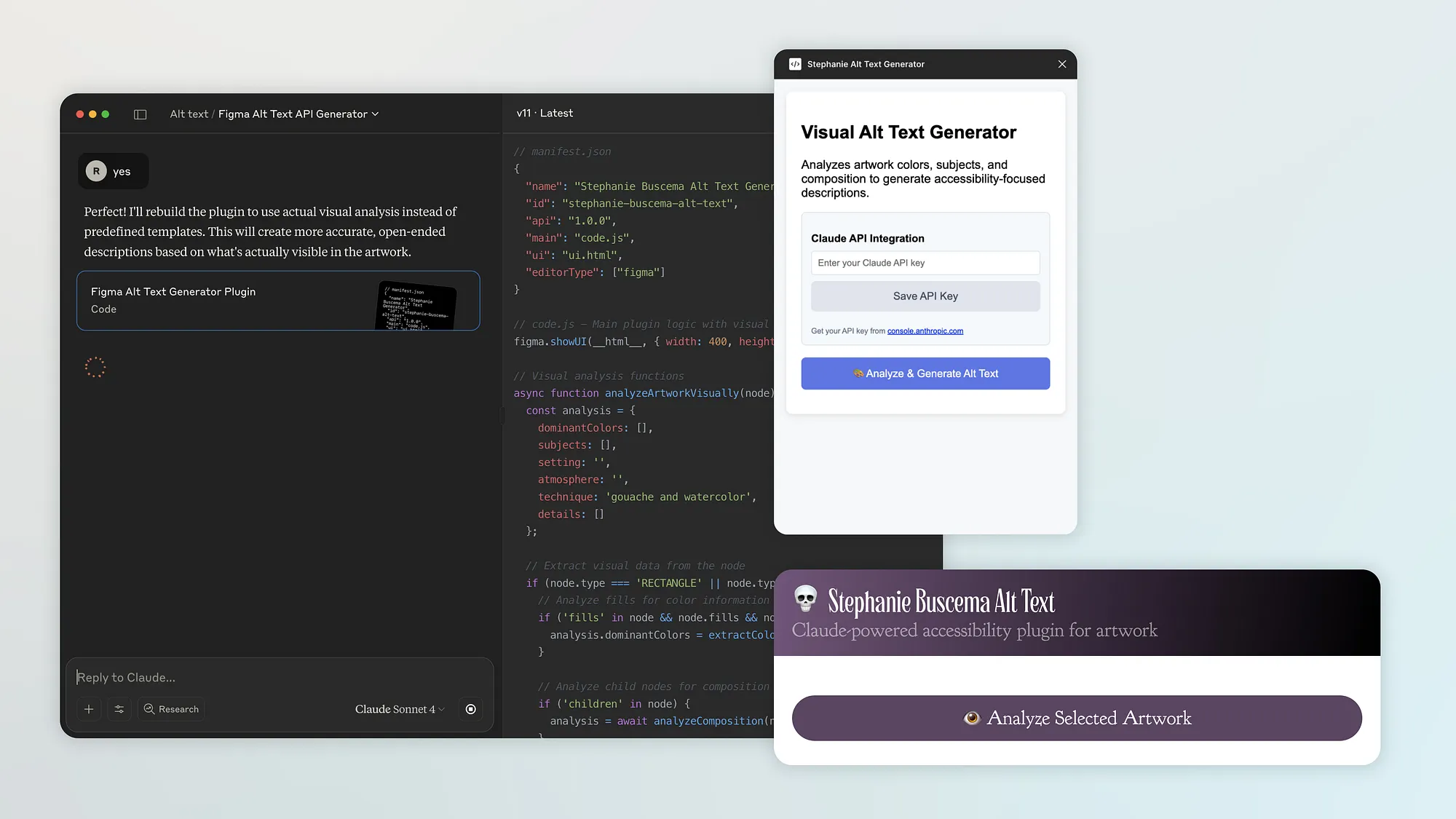
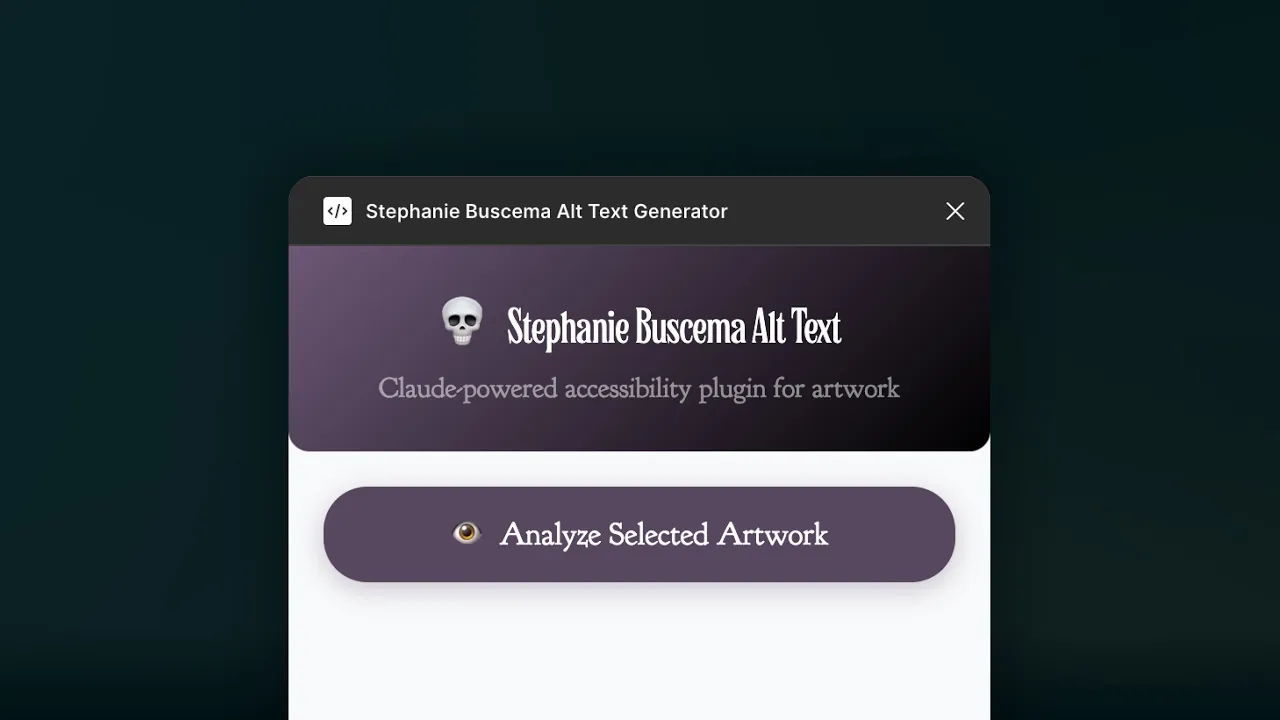
Claude handled the heavy lifting on architecting a technical solution and guiding the approach based on API documentation. We worked through issues and adjusted on the fly as we encountered headaches — I’m looking at you, CORS header permissions in Figma. It was even a great git terminal command coach. I whipped up some simple little design inspo (pictured above), supplied it to Claude, and gave more prescriptive changes that nudged some UI and UX flows and created a simple experience. The alt-text content is more representative of Steph’s art, and the design is a subtle and cheeky expression of her brand.
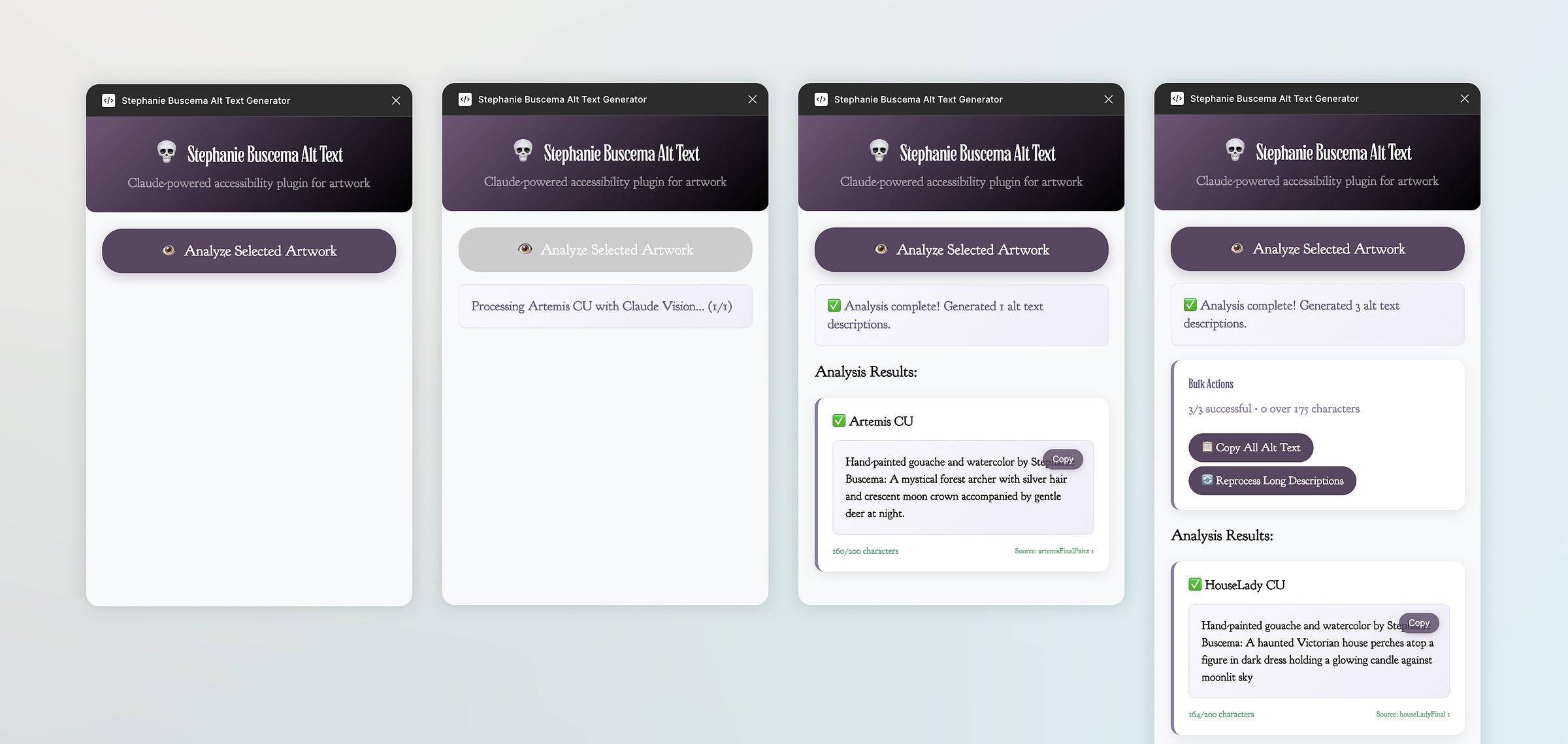
Claude even helped me commit without destroying my local or remote git repos. That alone is a win.
I packaged up the approach and added it to a *yet* unbroken 😬 public repo. Feel free to use it to recreate your own use or pick it apart and see how Figma plugins function/behave. Plugins are both surprisingly simple and mind-bogglingly complex.
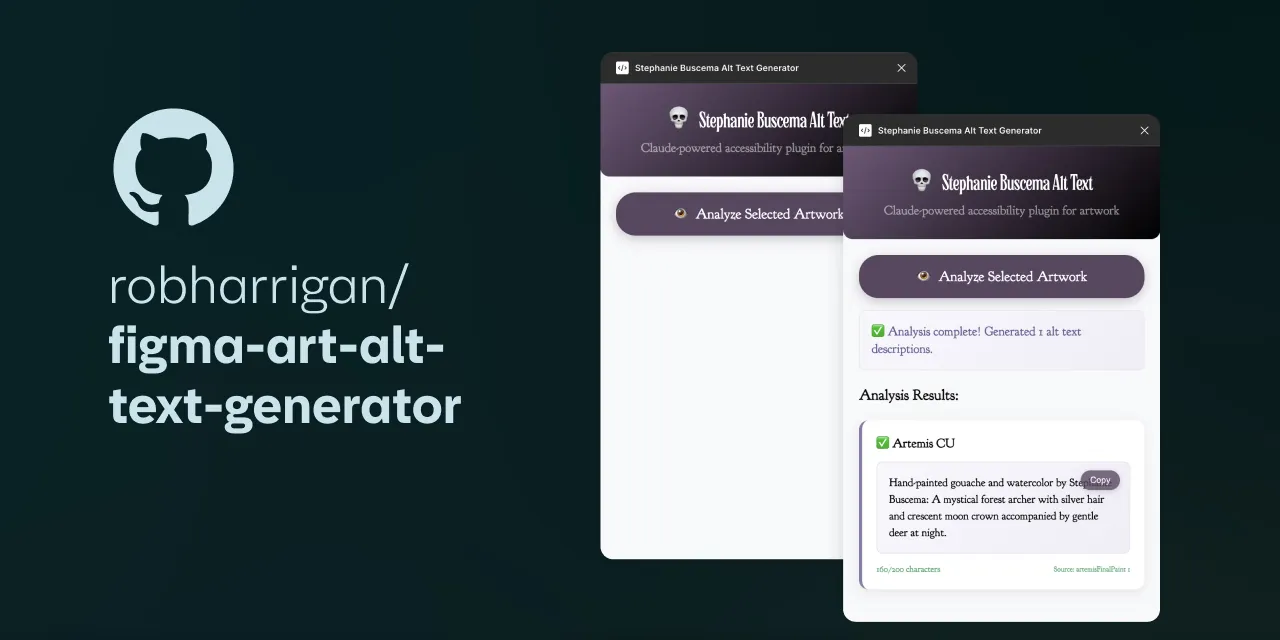
GitHub - robharrigan/figma-art-alt-text-generator: AI-powered Figma plugin that automatically generates accessibility alt text for artwork using Claude Vision API.
My intention was only to experiment and play. Still, it grew into sharing a way non-technical folks can become more adaptive, and helping traditional artists not feel intimidated by these tools — identify where they can meaningfully make someone else’s interaction with them and their art more meaningful.
—
This private publication is not affiliated with my employers or professional associations. Personal blog, personal opinions. Not speaking for anyone but myself. ✌️
Back
←